Client panel Cheats Multi-loader setup
Cheats
Game cheats setup
Fortnite, Apex Legends, ARC Raiders, and Rust all use the same TraceX multi-loader and the same setup steps below. Pick your game inside the loader after you sign in.
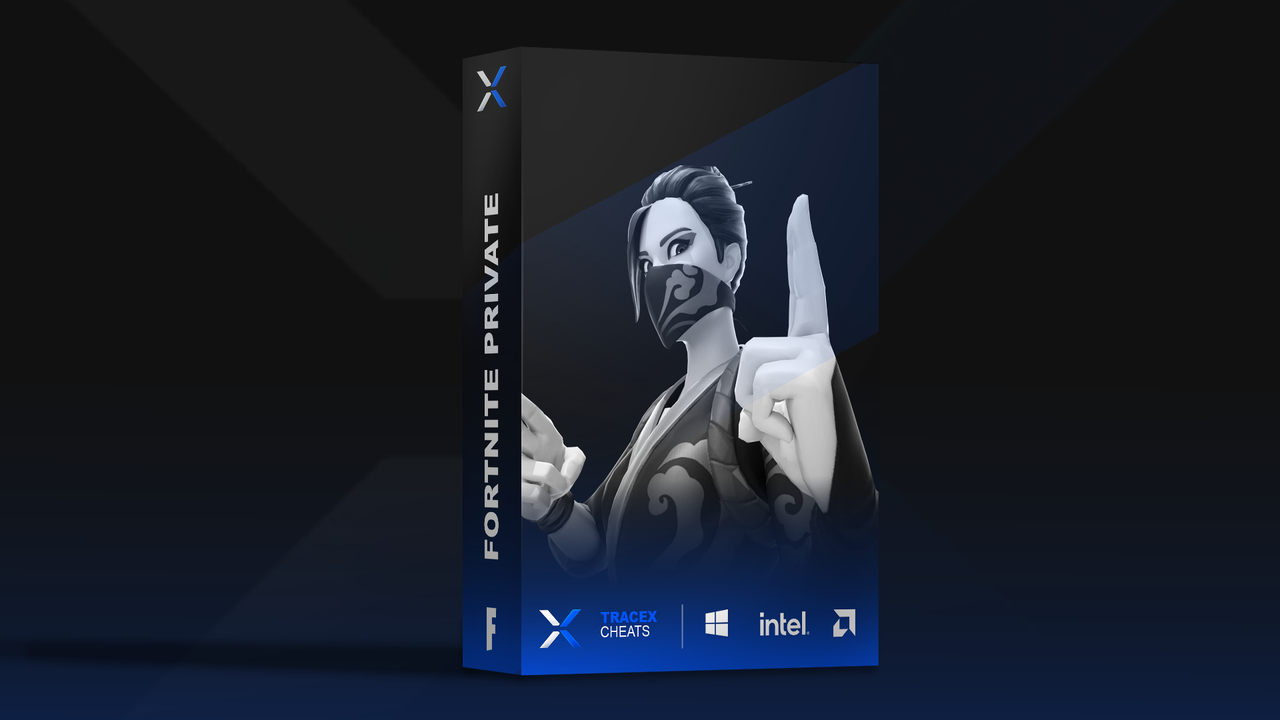
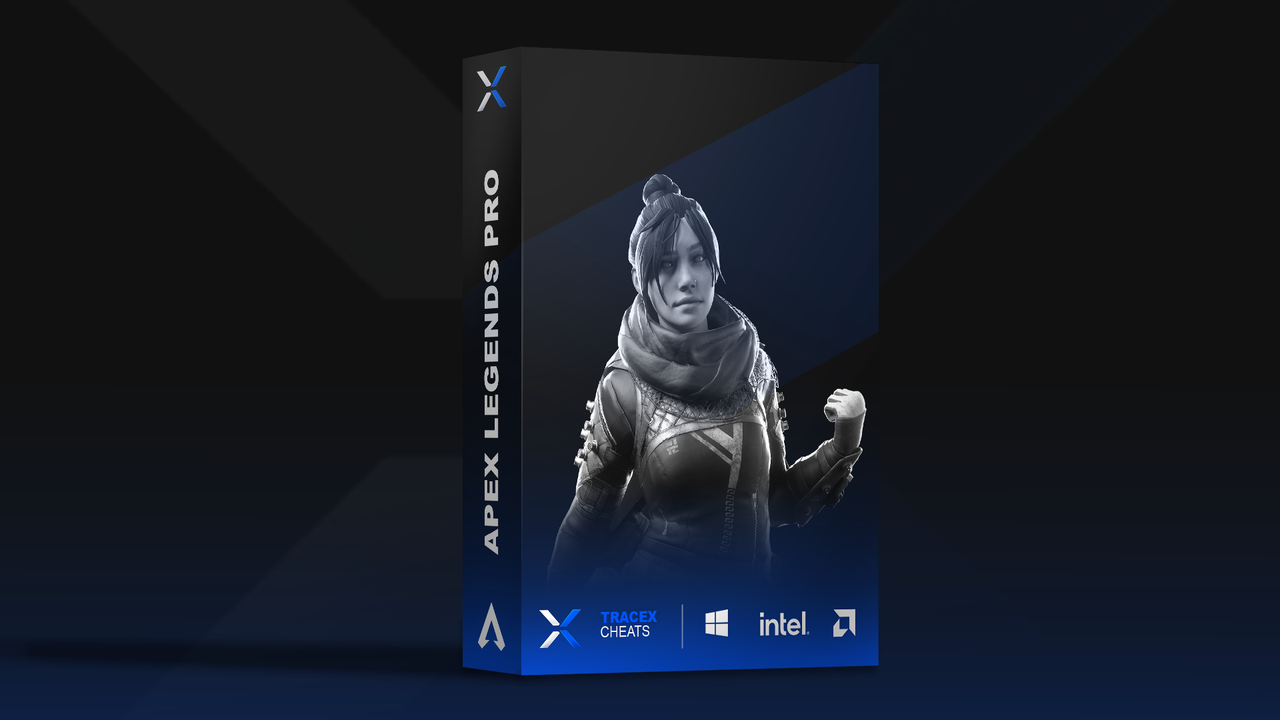
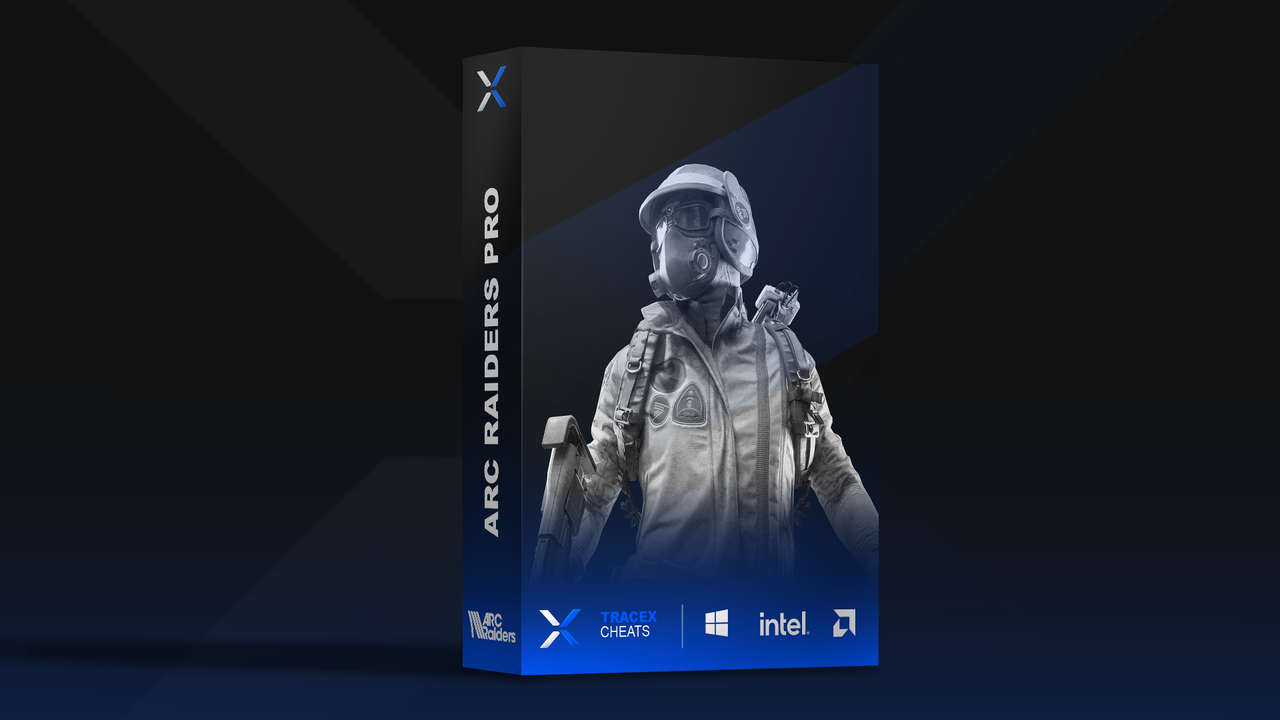
Multi-loader setup
Same steps for Fortnite, Apex Legends, ARC Raiders, and Rust. Complete the prep videos first, then run the loader.
- Disable antivirus / Windows security — watch this guide first: YouTube: disable virus protection
- Install Visual C++ runtimes — follow this video: YouTube: download Visual runtimes
- Install DirectX 12 — follow this video: YouTube: DirectX 12 setup
- Download the loader — ( to be filled) (one multi-loader for all supported games).
- Open the loader as administrator (right-click → Run as administrator).
-
Enter your license key (from your Discord ticket or purchase email). Format:
XXXX-XXXX-XXXX-XXXX - Log in to the loader with your key.
- Press Load module, then open the Notepad app when prompted.
- Successfully injected! You are ready to launch your game.
- Open your game. You must use borderless or windowed display mode — fullscreen will not work.
Need a key? Purchase in the store first. Your license matches the game you bought — select that title in the loader after login.
Having issues? Check status for patch notes or open a ticket in Discord.